
GuidesUsing the Console
A2A Agent
Register A2A Agent Cards, skills, and protocol metadata under AI tools, and authorize access.
Menu: AI tools → A2A Agent (/ai/a2a). Registry only—not a task runtime, and not the Pole Agent workspace.
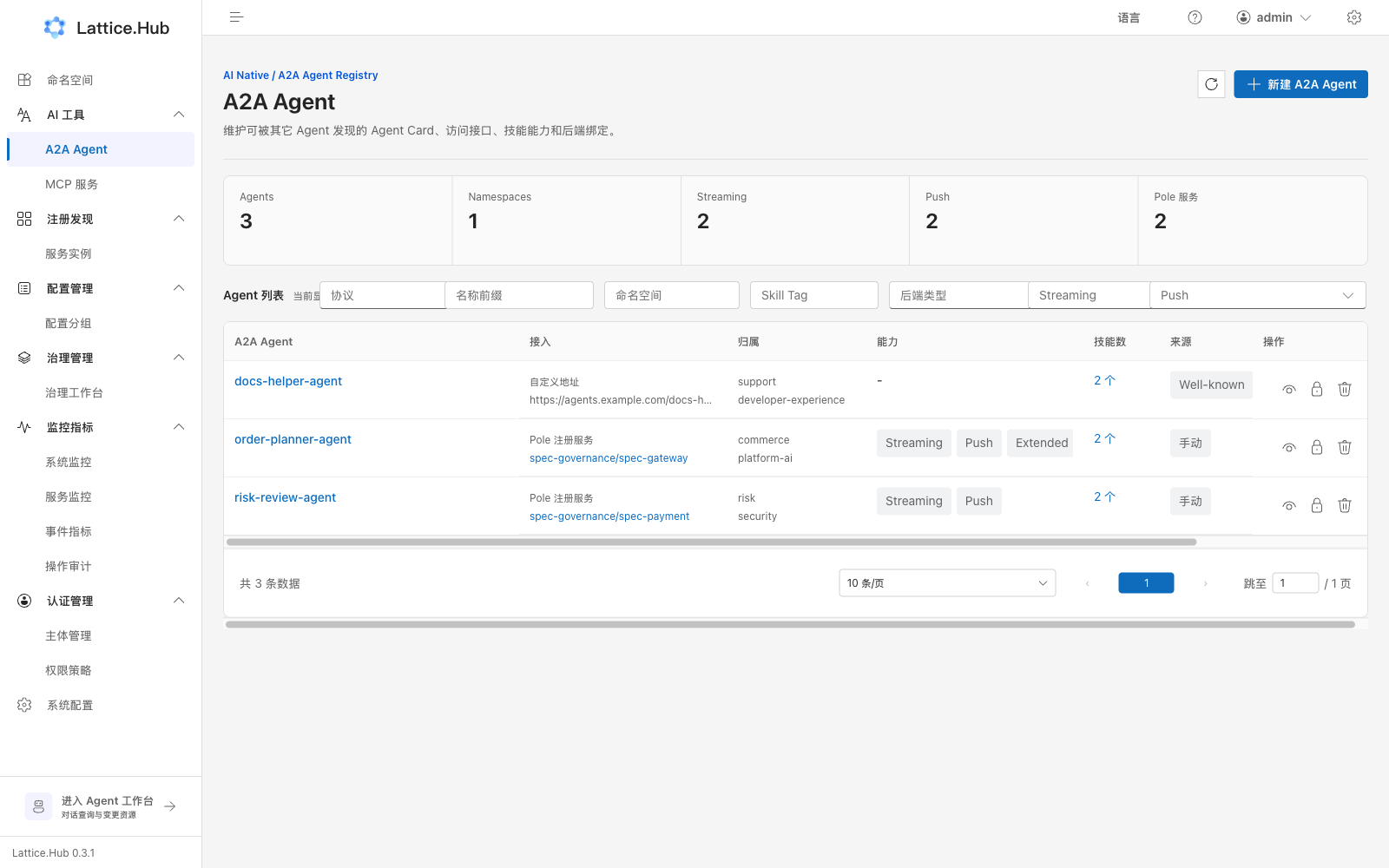
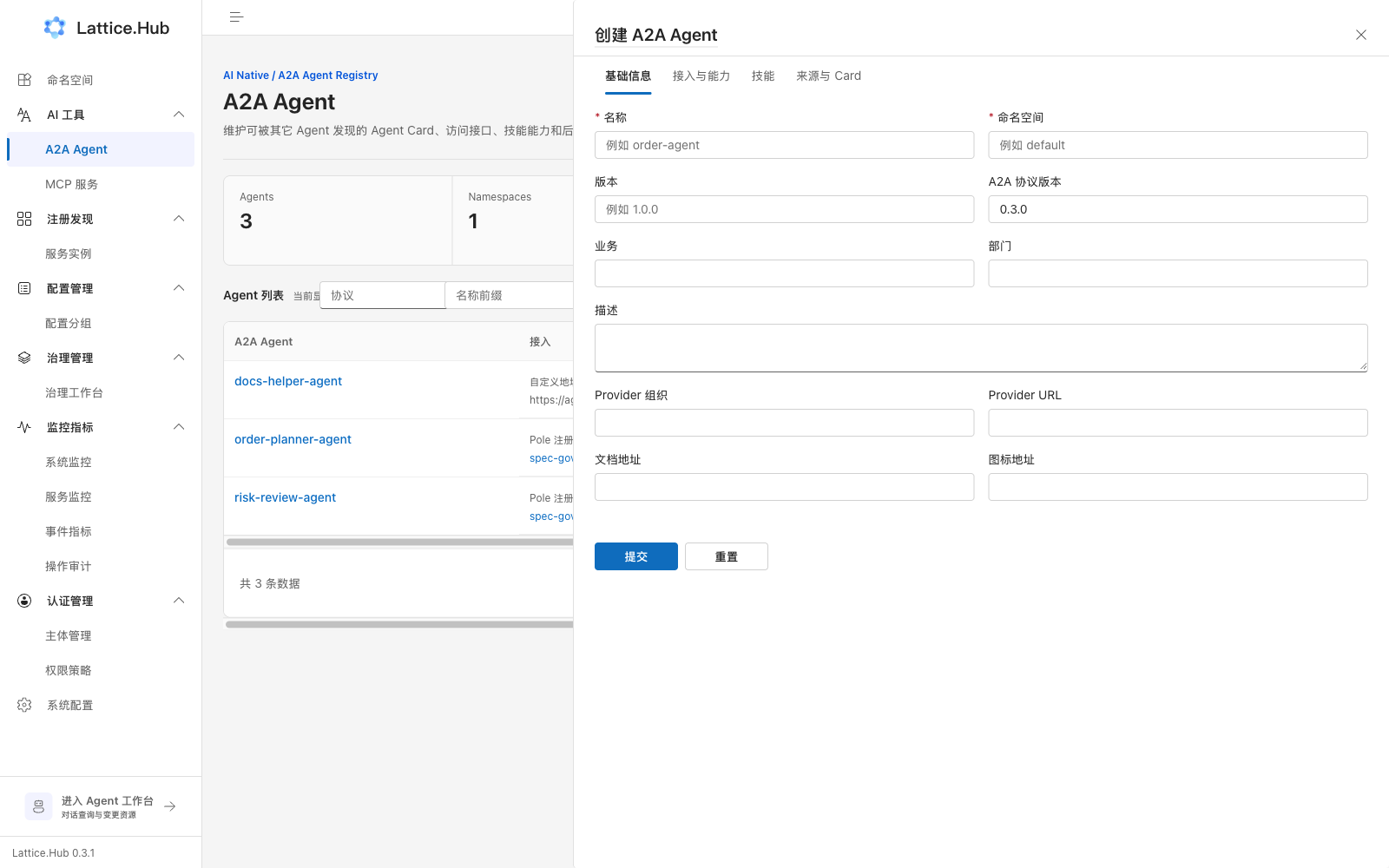
Create wizard tabs
- Basics: name, namespace, version, protocol version, business, department, description, provider, docs/icon, and so on
- Access and capabilities: preferred protocol/address, backend binding, Streaming / Push / Extended Card toggles
- Skills: maintain the skill list
- Source and Card: Agent Card metadata
Detail tabs
Agent Card / Skills / Edit. List and detail both support resource authorization.
Boundaries
- A2A Registry registers Card, skills, and protocol metadata only.
- It does not run tasks, host an Agent Runtime, or write config via chat.
- Chat drafts go to Pole Agent workspace; MCP tools are registered under MCP services.